![Laptop Buying Guide [2026] Best Laptops under 40k, 50k, 60k in 2026](https://dizitech.in/wp-content/uploads/2026/08/ChatGPT-Image-Aug-6-2026-10_17_16-AM.webp)
A little introduction
Whether you need a laptop for everyday use, are a student requiring one for coding, or are a working professional looking for a travel-friendly device you are in right place. I have categorized the laptops based on usage scenarios. Incidentally, the “thin and light” category is currently the best-selling segment, both online and offline. I have defined five categories; check which one aligns with your needs.
All Category
First is the “Everyday Use” category—ideal for those with basic requirements like creating presentations, working with Excel spreadsheets, consuming content, and handling light tasks, but who still want a superior display. Second is the “Student” category—perfect if you are still figuring things out or are slightly undecided about whether you need to code, learn editing, game, or create content. Next are “Working Professionals”—people who want to invest in a machine and get the absolute most out of it for their work.
That is why I have structured these specific categories. Then come “Creative Users and Casual Gamers.” While thin-and-light laptops aren’t powerful enough to match dedicated gaming laptops, they can handle occasional gaming sessions. Category Four is designed for those who want to mix content creation and editing with some casual gaming.
Finally, there are “High-Performance Laptops”—Category Five—for heavy-duty tasks like intensive editing, heavy multitasking, and serious gaming. However, there is one thing to keep in mind: if you fall into Category One, try purchasing a laptop from the category above it. This ensures you get a future-proof machine. If a family member needs to perform heavier tasks later, you won’t have to buy a separate laptop; a single device will handle everything.
HP Professional 15 (2025
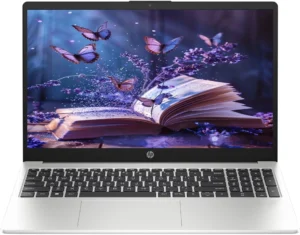
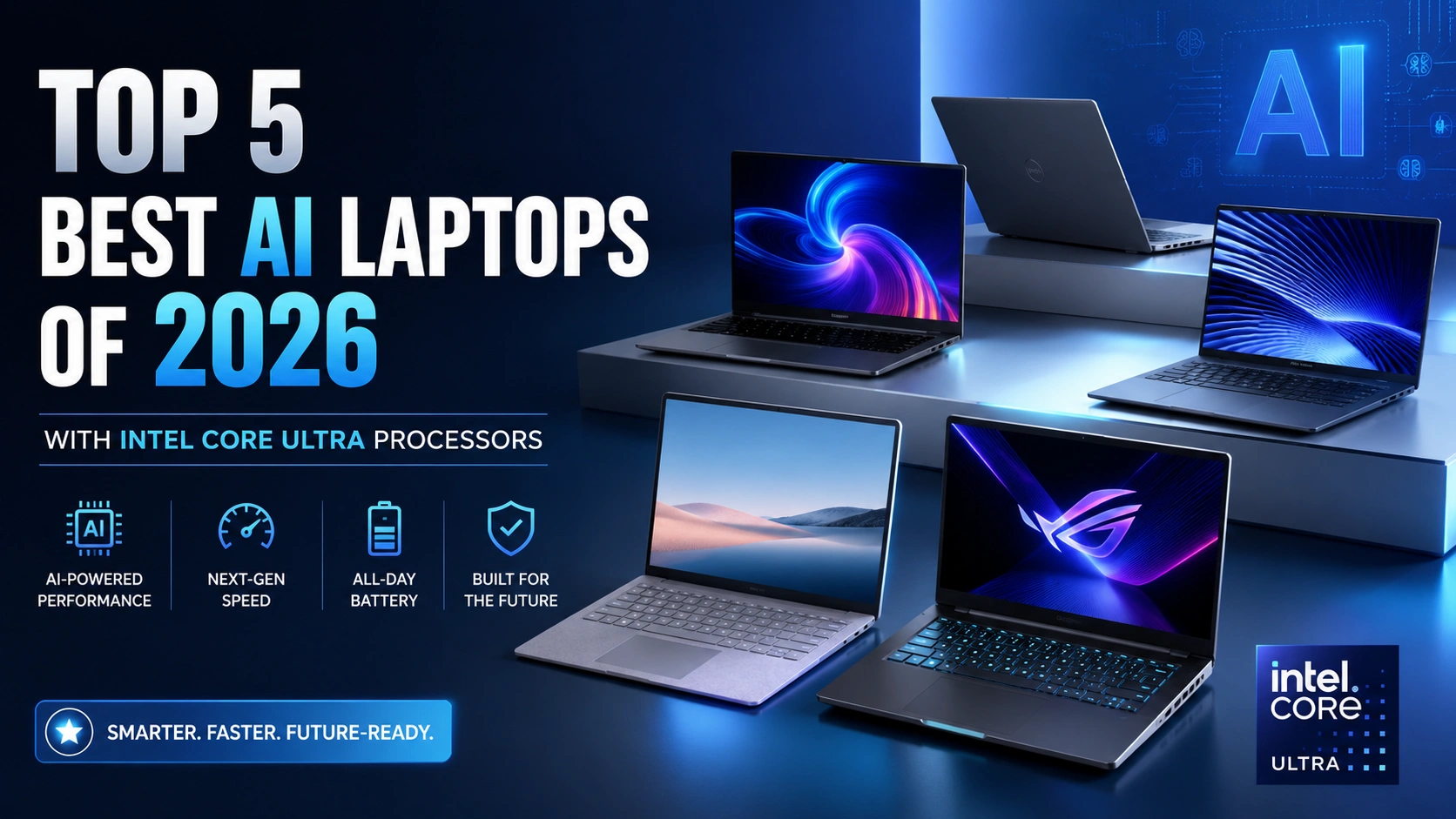
Let’s set the starting budget at ₹40,000, as laptop prices have risen considerably. At the ₹40,000 price point, the laptops available are quite basic; even opening 10–15 Chrome tabs simultaneously can cause them to lag. Now, take a look at this one—it’s the first laptop in the ₹40,000 range.
It’s an HP model featuring the latest 14th-generation processor—specifically, the Core 300 U processor—available for ₹40,000. This processor features six cores and eight threads, and it comes with 8 GB of RAM—expandable up to 32 GB—along with a 512 GB SSD, which is also expandable. With these specifications, this laptop can handle all the tasks associated with ‘Category 1.’ It sports a 15.6-inch IPS anti-glare display and comes with MS Office included with lifetime validity.
If you find this laptop unavailable or overpriced, here is an alternative option: a Dell laptop featuring 16 GB of DDR5 RAM and a 14-inch display. You can choose either of these, though the Dell model is the more practical choice. I have added links to all these laptops in the product tab, where you can check their latest prices.
ASUS Expertbook P1

Next up is one of Samsung’s best-selling laptops available for under ₹40,000. It features a metal build and a backlit keyboard. It charges via a Type-C port, meaning you can use the same charger for both your phone and the laptop. If your requirements are relatively modest—perhaps you need to create presentations at home or need a laptop for your studies—this is a great fit. It comes with a 13th Gen Intel Core i5-1335U processor, 8 GB of RAM, a 512 GB SSD, and a 15.6-inch Full HD IPS anti-glare display.
MS Office with lifetime validity is included. Being a Samsung product, the after-sales service is excellent. It is arguably the best laptop in this price range; it’s a reliable choice that will easily last you 4–5 years. The only downside is that the RAM isn’t expandable, so you’ll have to make do with the 8 GB provided. So, that concludes the ₹40,000 budget range. Now, within the ₹50,000 budget, you can find laptops falling into Category 2 and Category 3. You can get entry-level gaming laptops—which can also be used for editing—as well as options suitable for students who need to do coding or AI-related work. All these tasks can easily be handled by a ₹50,000 laptop.
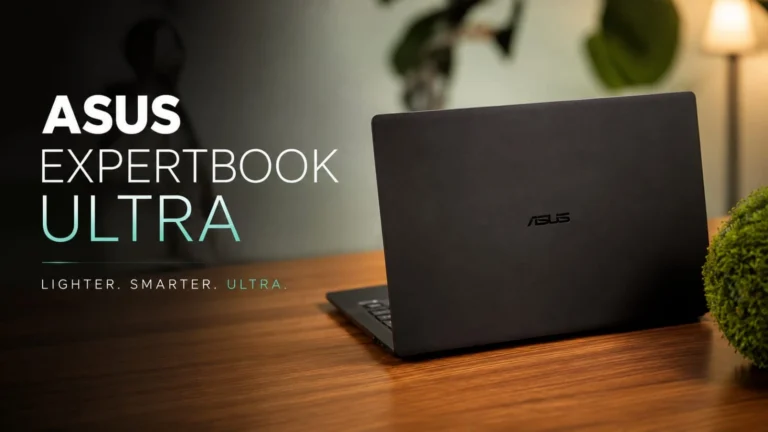
The first option is the Asus ExpertBook P1, featuring an Intel Core 5 120H processor. It is one of the best laptops available under ₹50,000, equipped with the latest 14th Gen Core 5 processor. You can easily code and even do some casual gaming on this laptop. It weighs 1.65 kg and comes with 16 GB of DDR5 RAM and a 512 GB SSD. Both are expandable, so you can upgrade the RAM and storage in the future. It features a 15.6-inch Full HD display with 300 nits of brightness and offers military-grade durability. The ExpertBook series is excellent, known for having the best build quality; the laptops can even survive a fall from table height without damage.
It includes a fingerprint sensor, a backlit keyboard, and MS Office with lifetime validity. So, this laptop offers a great overall package. Samsung also offers a laptop with the same processor; the specs are virtually identical. However, its display is slightly better than the Asus model—it features a 15-inch Full HD IPS display—so you should definitely consider it.
MOTOROLA Motobook 60
The third option, also featuring the same processor, is the Motorola Motobook 60. Its display is superior to the other two, offering a 14-inch screen with 2.8K resolution. The Samsung, Asus, and Motorola laptops all fall within the same budget and offer similar performance, but they differ in their displays. The Motorola has the best display, followed by the Samsung, while the Asus has the most basic display. Let me tell you about gaming laptops available for under ₹50,000.
Now, there are plenty of gaming laptops in the ₹50,000 budget range. Some come with a very basic RTX 2050 graphics card, while others come with an RTX 3050. If you compare their performance, the RTX 3050 outperforms the RTX 2050 by about 30% to 40%. So, the Acer Aspire 7 is one of the best options—it offers great value for money and usually costs around ₹55,000. While you can find RTX 2050 laptops for ₹50,000, spending ₹55,000 gets you an RTX 3050 model with superior performance.
As I mentioned earlier, you’ll likely be using the laptop for at least the next 4–5 years, so it’s better to buy a future-proof one—like the RTX 3050 model. It features the latest 13th Gen Intel Core i5-13500H processor. It comes with 16GB of single-channel RAM, meaning one RAM slot is free; you can add another stick to expand the memory up to 32GB. It’s excellent for both gaming and editing. If 16GB of RAM feels insufficient, you can upgrade it to 32GB. It also includes a 512GB SSD, which is expandable.
The laptop sports a 15.6-inch IPS display with a 144Hz refresh rate. When buying a gaming laptop, you should definitely ensure the display offers a refresh rate of at least 120Hz or 144Hz; anything higher is a bonus, but this is the minimum you should look for. It comes with an RTX 350 graphics card, featuring 6GB VRAM and a 75W TGP. The performance of the games I tested on this machine is absolutely impressive. All in all, this is the best laptop within the ₹50,000 to ₹55,000 budget range.
Asus Vivobook 16

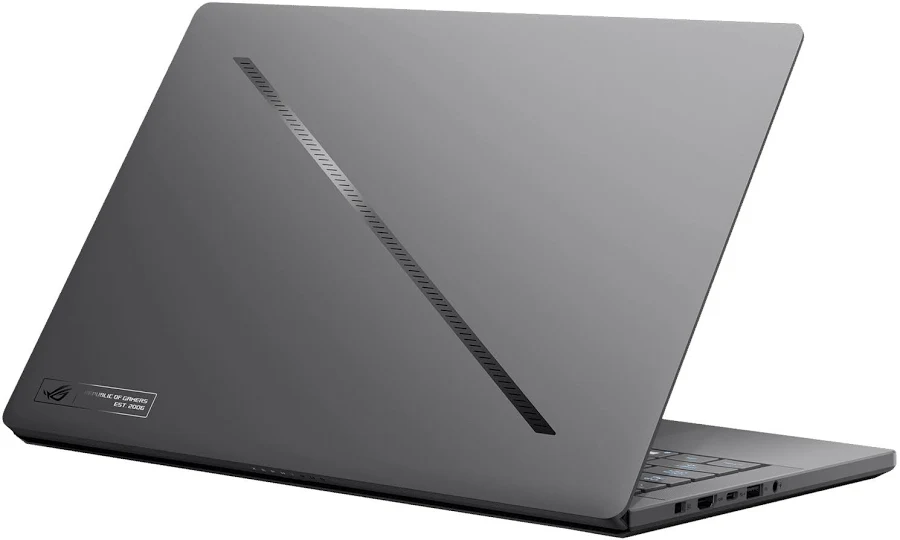
However, if you need to perform tasks falling into the fifth category within a ₹60,000 budget, you should strictly opt for a gaming laptop; do not buy a thin-and-light model for these specific tasks. The best budget-friendly Windows laptop available is the Asus Vivobook 16, priced around ₹62,000–₹63,000. It excels at AI-related tasks because it features an ‘Ultra’ series processor—specifically, the second-gen processor (also known as the 15th generation), the Ultra 5 125H.
It delivers significantly better performance than any other processor we’ve seen in previous videos. It also includes a dedicated NPU for AI workloads, ensuring efficient handling of features like Voice Focus, auto-focusing, background blur, and live captions. It is powered by a processor with 14 cores and 14 threads. It comes with 16GB of RAM, with one empty slot available, allowing for expansion up to 32GB. It includes a 512GB SSD and a 16-inch Full HD+ IPS display. Whether you are coding, doing development work, or spending hours working on the laptop screen, you won’t face any issues. It comes with MS Office included with lifetime validity.
Next up is the Motorola 14-inch laptop featuring the Core i7-127240H processor. This is arguably the best 14-inch Windows laptop available, as it offers a 2.8K resolution on its 14-inch display. It boasts 500 nits of brightness, a 120Hz refresh rate, and 100% DCI-P3 color gamut coverage. It also includes MS Office with lifetime validity. The laptop is priced at around ₹60,000.
Apple Macbook Neo A18 Pro

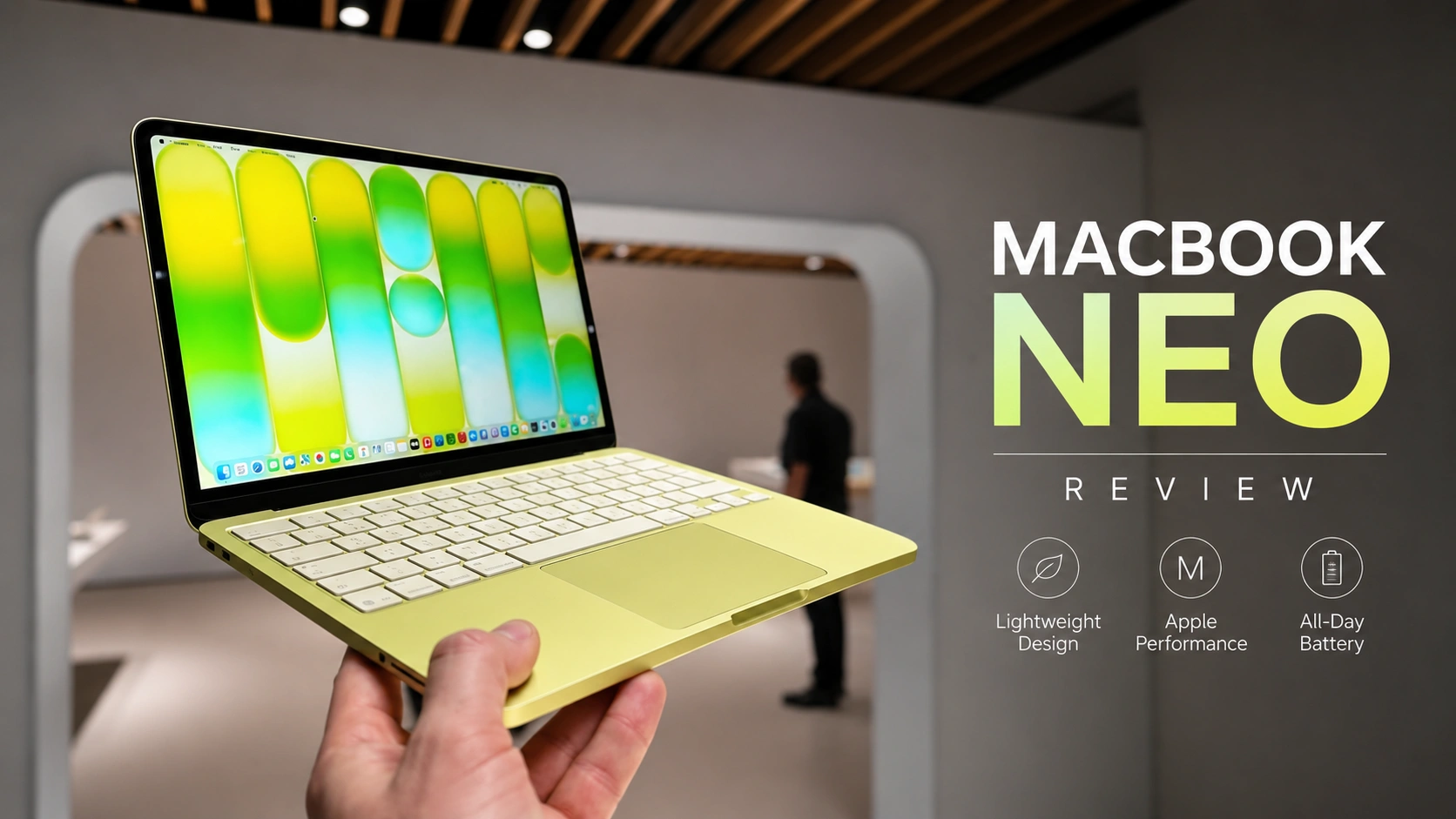
Now…If you are looking for a MacBook, the MacBook Neo is an excellent option for you. It launched at a price point under ₹70,000 and is currently selling for around ₹64,500. If you purchase it during a sale, you can certainly get it for close to ₹60,000. It features an all-metal build—and, as always, MacBooks are known for being lightweight. It is powered by the A18 Pro chip and comes with 8 GB of RAM and a 256 GB SSD. Essentially, Apple has replaced the older M1 model with this new version.
It also includes Apple AI capabilities. You get a 13-inch Liquid Retina display, and the laptop weighs just 1,300 grams. All in all, it is a fantastic laptop that can easily last a full day on a single charge. It features a backlit keyboard, making it ideal for students and working professionals, and its portability makes it travel-friendly—definitely worth considering. Now, if you want to buy a gaming laptop for under ₹60,000, let me tell you about one of the best-selling models: the Acer Nitro 16. While the Aspire series represents Acer’s budget lineup, the Nitro series steps things up a notch. You can get this laptop for around ₹58,000 to ₹60,000. It looks very classy in white. It is powered by a 13th Gen Intel Core i5 processor (specifically the 13420H) and comes with 16 GB of dual-channel RAM (4800 MHz), which is expandable up to 32 GB.
It also includes a 512 GB SSD, which is expandable as well. It features an RTX 3050 GPU with 6 GB of VRAM and a TGP of 55W. This is a 16-inch laptop. It features a 16-inch display with Full HD+ resolution. It comes with an IPS panel and a 165Hz refresh rate—meaning you are getting the best display in this laptop for this price range. So, these were the laptops ranging from ₹40,000 to ₹60,000 that you can buy based on your needs.
All Product Link :
HP Professional 15 (2025
ASUS Expertbook P1
MOTOROLA Motobook 60
Acer Aspire 7 Intel Core i5
Apple Macbook Neo A18 Pro
Acer NITRO LITE 16
Asus Vivobook 16